[note] Office Viewer A Useful Markdown Editing Tool @ VSCode
Note: This page is an AI-generated (openai/gpt-5.6-luna) translation from Traditional Chinese and may contain minor inaccuracies.
📌 Introduction
Office Viewer is an Extension that allows you to preview and edit documents (Excel, Word, PPT, Markdown, Zip, SVG, etc.) in VSCode.
🚀 Introduction
What Is WYSIWYG?
“What You See Is What You Get.”
WYSIWYG, or what you see is what you get, is a user interface design concept and software feature. It means that the final result you see in the editing interface (such as text, images, and layout) will be exactly the same as its actual appearance after being printed, exported, or published. The goal is to allow users to focus more on creating content without spending too much time on formatting.
Installation
Usage
There are both free and paid versions. Personally, I think the free version is already very useful. However, if you are able to pay for it, that would be great Support for the developer!

Markdown Preview + Editing
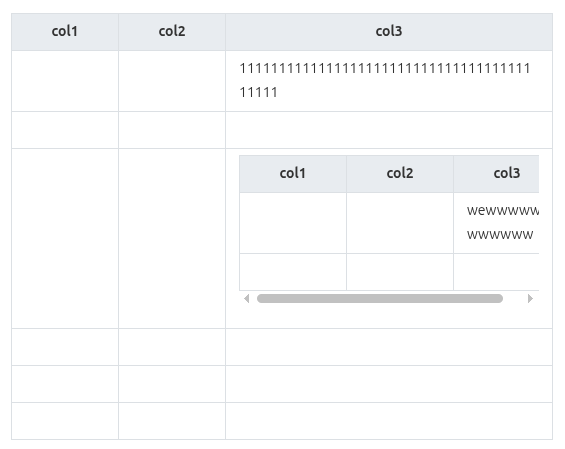
The best feature is the Table functionality!!! In the past, Markdown tables were often difficult to manage in terms of the number of rows and columns, especially when there was a lot of text inside the table, which made the entire Markdown document very messy. You can also insert line breaks directly within a Cell and add another layer of Table within a Cell. The only imperfection is that Markdown Tables still cannot directly contain a List or Quote. As for other Markdown features, such as adjusting font colors, they require the paid version. Personally, I think that is fine. The main reason for using Markdown is to keep things as simple as possible; too many fancy features instead make Markdown more complicated.
PPT Preview
You can preview PPT directly in VSCode, but you cannot edit it.

Excel
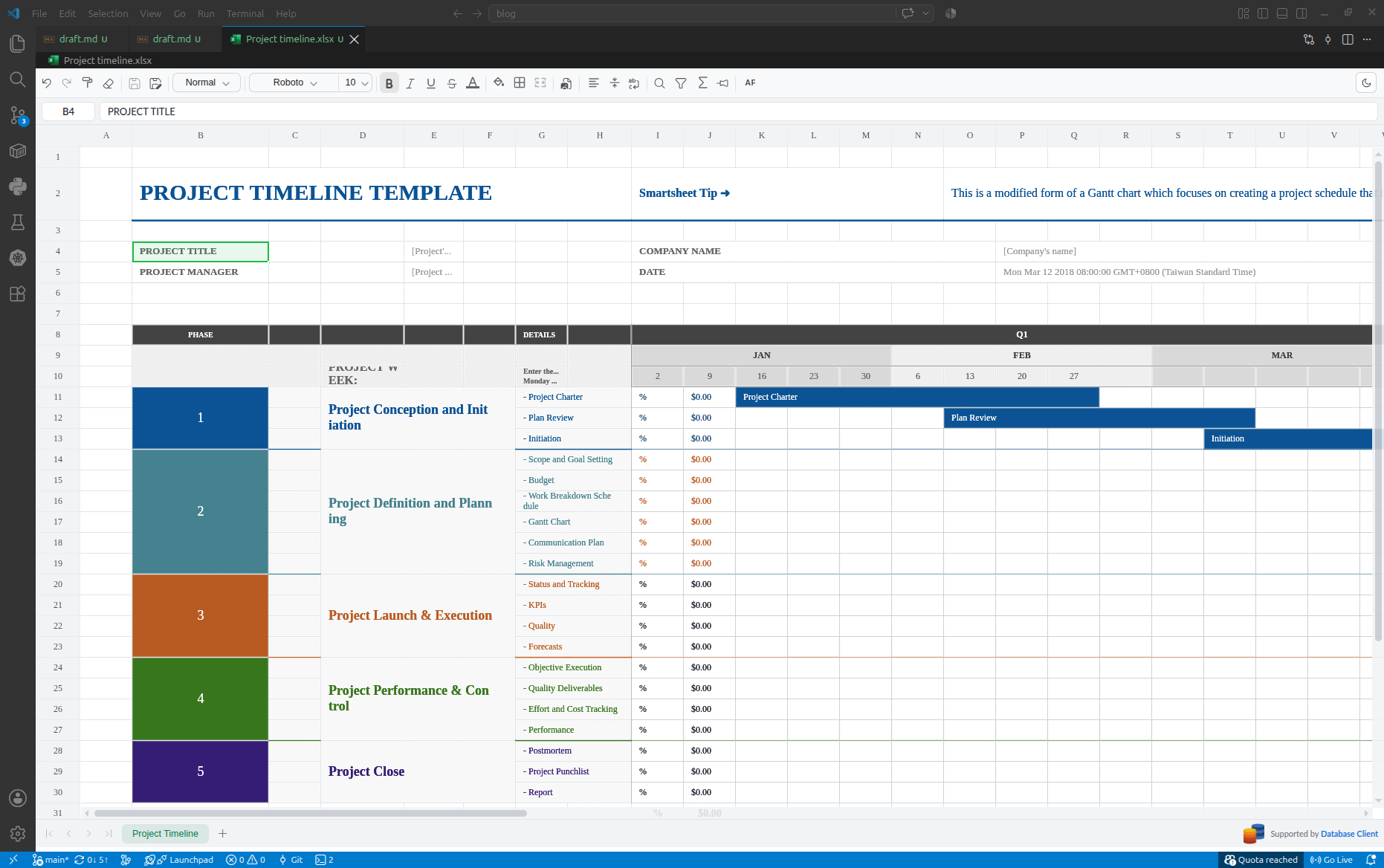
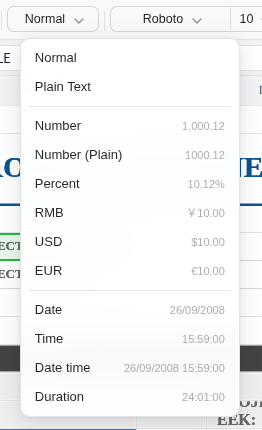
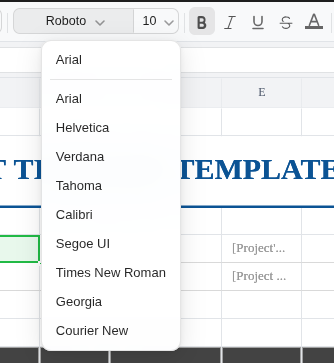
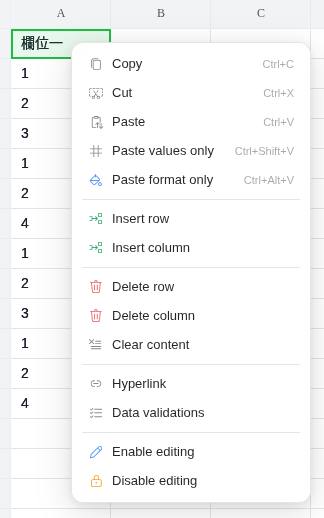
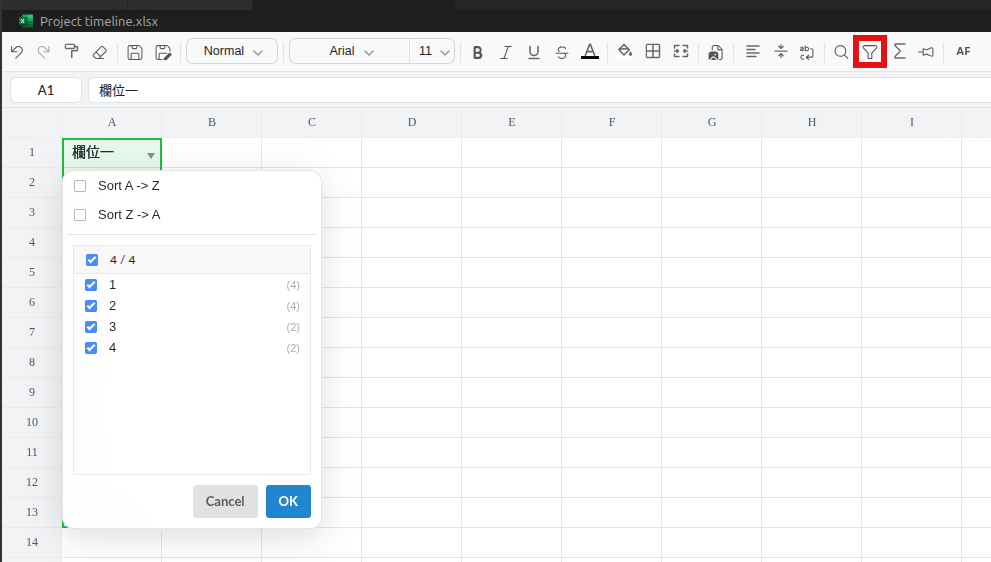
You can preview + edit Excel, with the ability to switch between multiple sheets. Basic features include merge cell, changing colors, changing fonts, changing font sizes, changing alignment, changing column widths, changing row heights, sorting, filtering, simple formulas, automatic line wrapping, and more.
SVG Preview + Color Editing
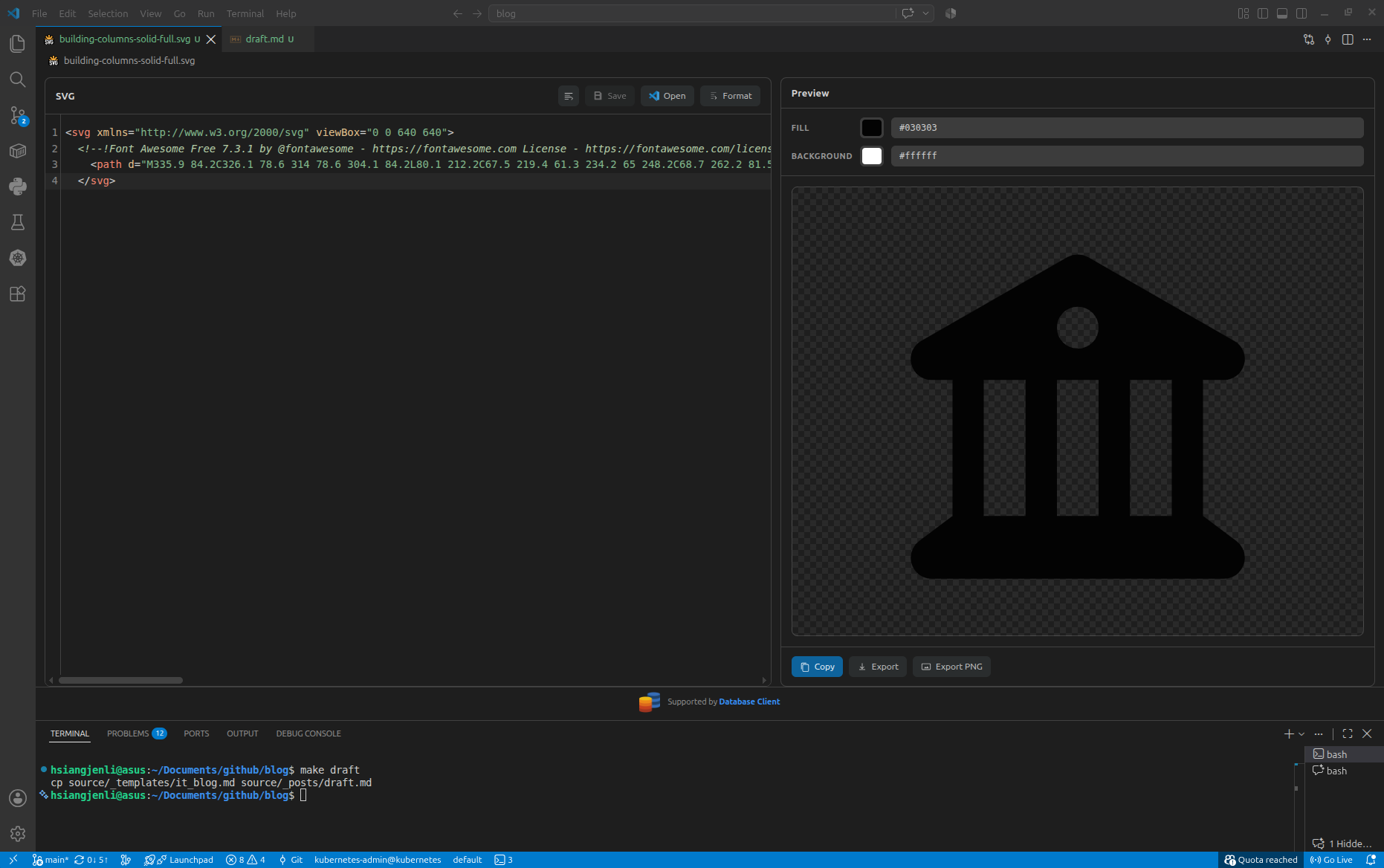
Download an SVG from fontawesome and open it in VSCode. Office Viewer will automatically preview it. You can directly modify the colors in the 「Preview」panel on the right, and export it as a PNG file!!!!
🔗 References
[note] Office Viewer A Useful Markdown Editing Tool @ VSCode
https://hsiangjenli.github.io/blog/note-office-viewer-markdown-vscode.en/